visual diagnosis
Common US Passport Photo Mistakes
Visual examples of the most common US passport photo mistakes that cause rejection and how to fix them.
Rejection-risk triage
Common rejection risks
Start with the visible issues most likely to force a fix or a fresh capture.
Shadows on face or background
Shadows cast by overhead lighting, side lighting, or objects behind you are one of the top reasons for passport photo rejection. The State Department requires even lighting with no visible shadows.
- Face a window with natural daylight — avoid direct sunlight
- Stand at least 3 feet from any wall or backdrop
Wearing glasses in the photo
Since November 2016, glasses are banned in US passport photos. Many applicants still wear them out of habit, leading to automatic rejection.
- Remove all glasses before taking the photo
- If you have a medical condition preventing removal, obtain a signed medical statement
Head too small or too large in frame
The head must measure between 1 inch and 1⅜ inches from chin bottom to crown top. Photos taken too far away or too close are rejected.
- Position camera at eye level, approximately 4 feet away
- Use PixPass auto-crop to ensure correct head-to-frame ratio
Smiling or non-neutral expression
Any visible teeth or exaggerated expression can lead to rejection. The requirement is a natural, neutral expression.
Non-white or uneven background
The background must be plain white or off-white. Colored walls, patterned wallpaper, or visible furniture cause rejection.
PixPass can help identify and prepare fixes for supported photo properties, but a reviewing authority makes the final acceptance decision.
Retake or fix triage
Separate technical preparation from issues that require a fresh photo.
Auto-fixable
Background, crop, resize, and file preparation
The photo is otherwise clear, but background, crop, file size, or pixel dimensions are off.
How to decide
Fix when the subject is sharp, front-facing, and unchanged.
How PixPass can help: Normalize supported backgrounds, crop to 2x2, resize, and export within online-renewal constraints.
What to do next: Use the checker/export flow instead of retaking immediately.
Warning only
Detectable warning issues
Shadows, glasses, facial obstruction, or expression risks are present.
How to decide
Warn when the issue may require user judgment or a fresh capture.
How PixPass can help: Flag the issue and explain the official rule anchor.
What to do next: Retake or adjust capture setup if the warning touches face visibility, glasses, or harsh shadow.
Retake required
Blur, severe angle, closed eyes, or face obstruction
The face cannot be reliably validated or the subject is not straight-on.
How to decide
Retake when fixing would alter identity appearance or cannot recover real image detail.
How PixPass can help: Explain why export is unsafe and show the capture condition to correct.
What to do next: Retake with camera at eye level, even front lighting, eyes open, and full face visible.
Outside PixPass control
Physical print quality and government discretion
The question depends on printer paper, physical handling, local staff, or final government review.
How to decide
Do not claim control over physical or government-review outcomes.
How PixPass can help: Keep capability boundaries visible and prepare the best compliant digital/print-ready output.
What to do next: Use photo-quality paper and follow the channel instructions; keep a backup photo for urgent appointments.
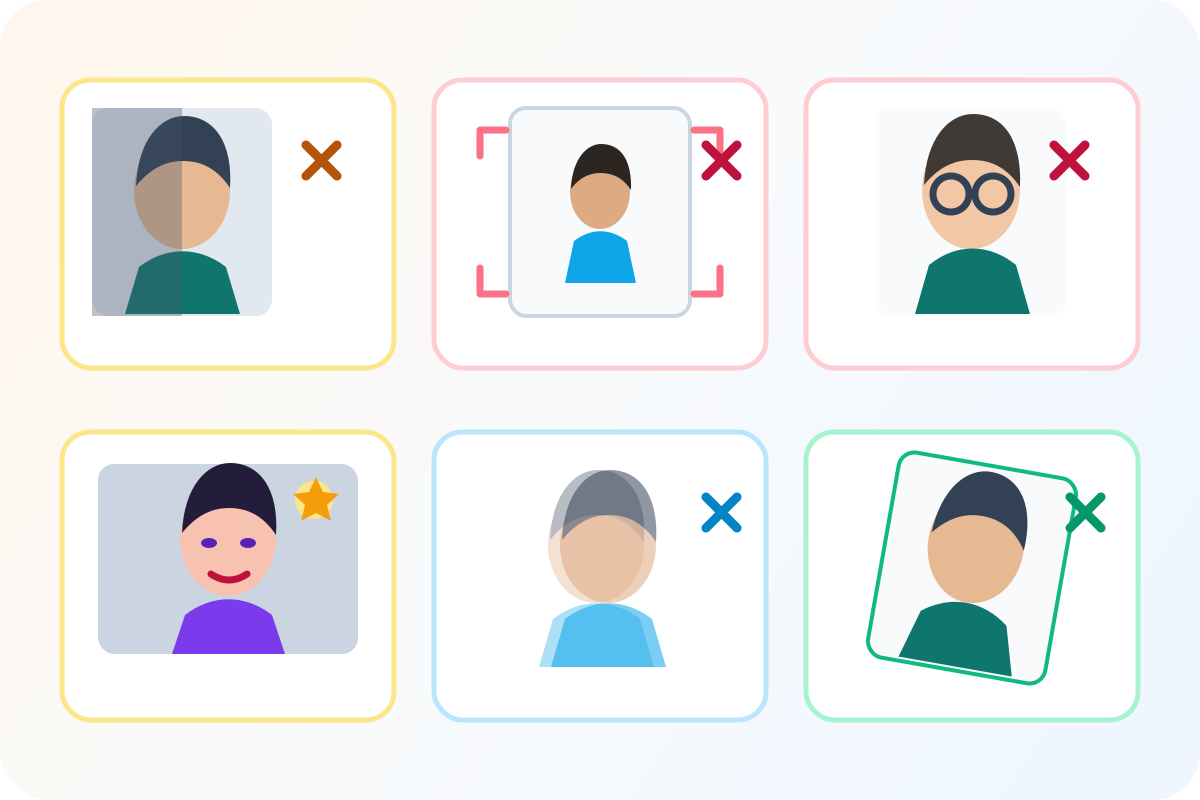 Illustrative diagram
Illustrative grid of visible photo problems used by the diagnosis page.
Visual examples
Do and do-not guidance
Illustrative diagramIllustrative diagnostic overview; each issue is explained by the surrounding page content.
Do not leave shadows on the face or background
Side light, overhead light, or standing close to a wall can create shadows that trigger rejection.
Fix: Face a large window, avoid direct sun, and stand at least 4 feet from the wall.
PixPass action: Detects harsh face and background shadows
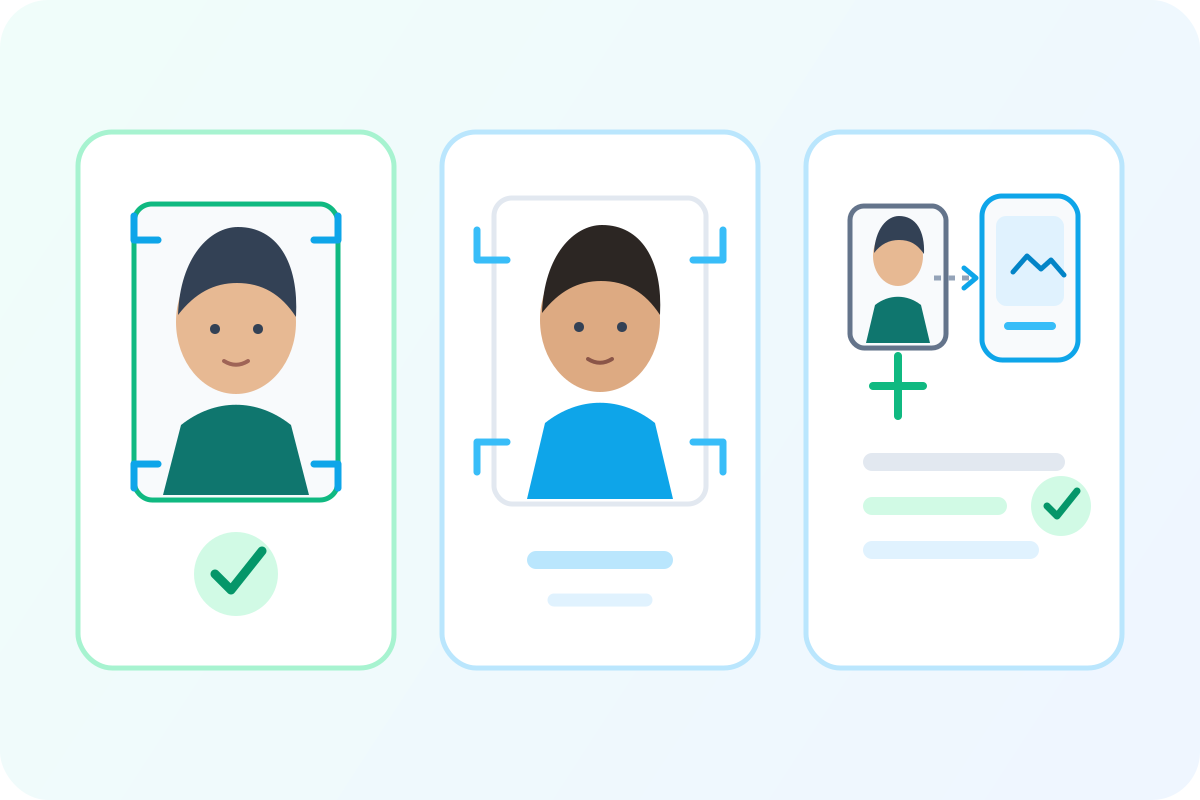 Illustrative diagram
Illustrative framing comparison.
Do not submit a head that is too small
A distant camera or manual crop often leaves the head outside the accepted size range.
Fix: Retake or recrop using a measured passport-photo frame.
PixPass action: Auto-crops to the required head proportion
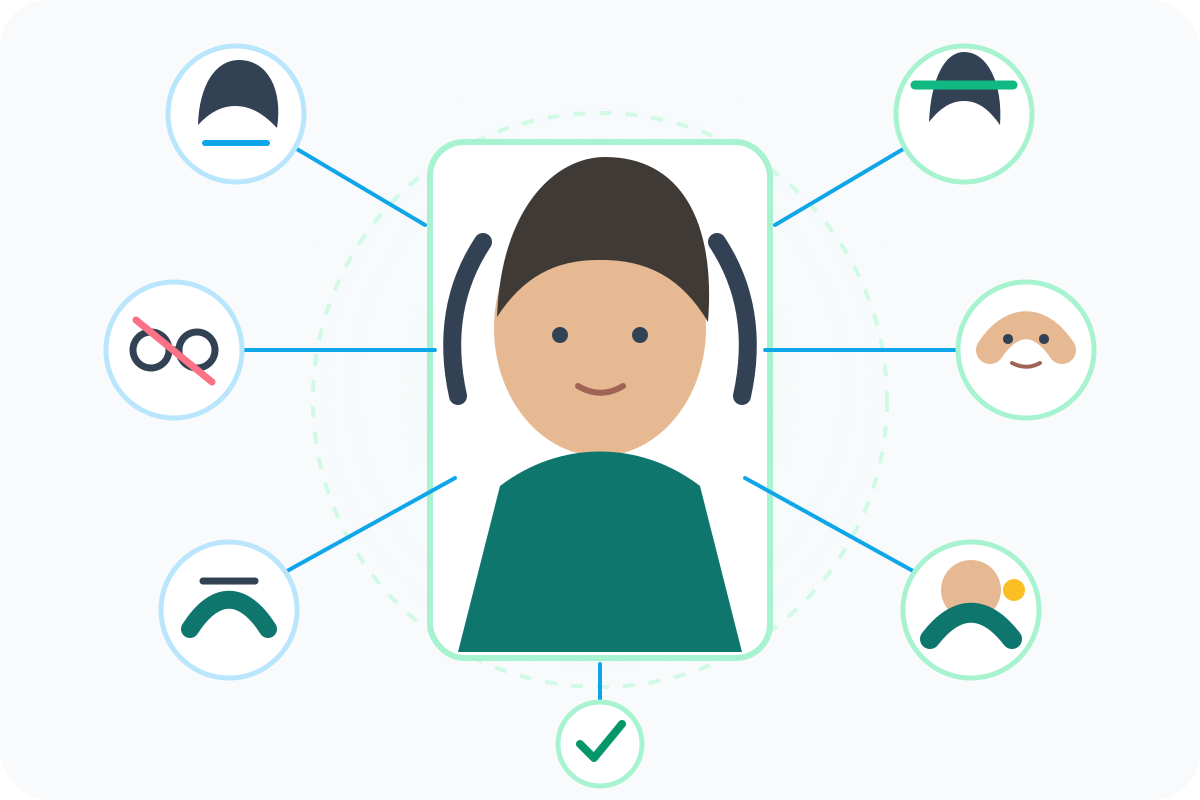 Illustrative diagram
Illustrative appearance-topic map.
Do not wear glasses unless a medical exception applies
Glasses are not allowed in U.S. passport photos except for documented medical reasons.
Fix: Remove glasses before taking the photo, or prepare the required doctor statement for an exception.
PixPass action: Detects glasses and warns before export
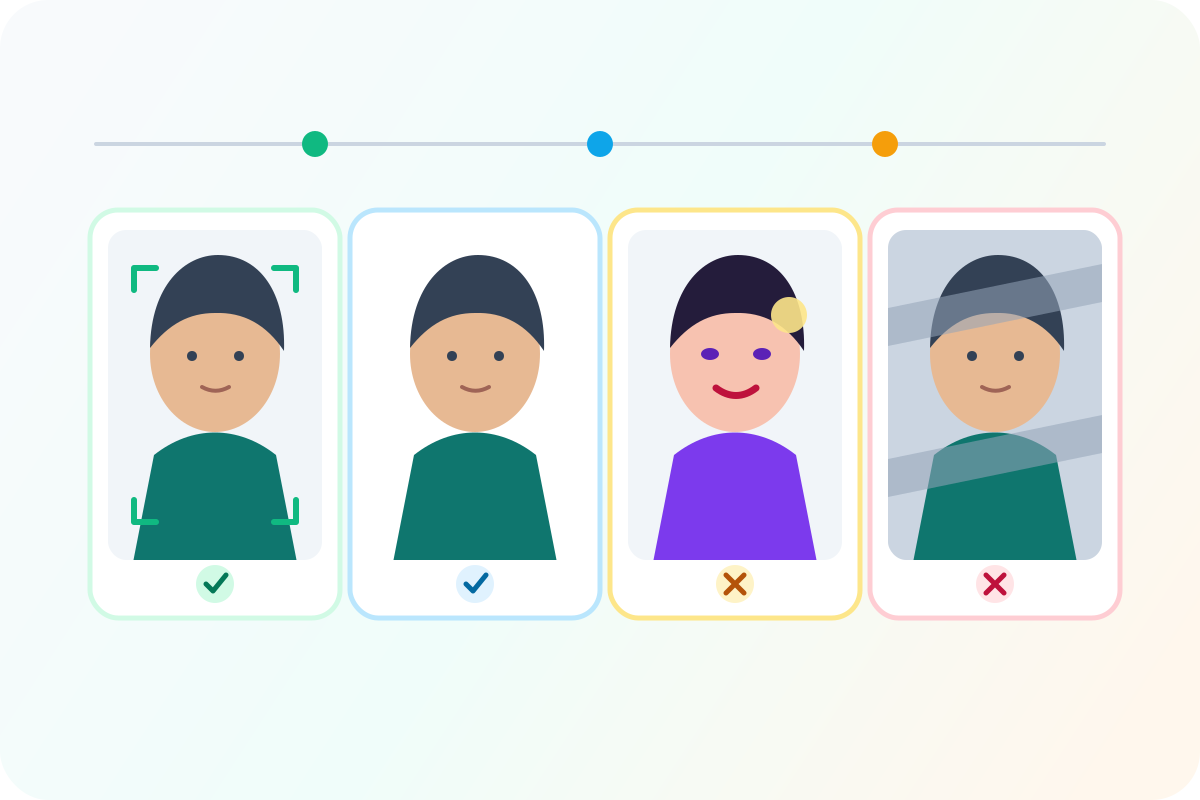 Illustrative diagram
Illustrative editing-boundary comparison.
Separate compliant adjustment from appearance alteration
Cropping, resizing, and background cleanup serve the rule. Beauty filters or face changes do not.
Fix: Never alter skin, eyes, facial shape, hairline, or expression.
PixPass action: Limits edits to crop, background, resize, and quality checks
Use these examples as visual guidance. Official rule text and the selected submission path remain the source of truth for final acceptance.
Sources
Official guidance checked 2026-04-15.
- U.S. Department of State — Passport Photos
Primary official source for US passport photo requirements
Last checked 2026-04-15
official
Federal Register — Passport Photo Rule Changes
Contains the 2016 glasses ban regulation
Last checked 2026-03-01
official
- U.S. Customs and Border Protection
Last checked 2026-04-01
semi_official