editing decisions
US Passport Photo Editing Rules
Start with the original image, identify the requested operation, and follow the verified editing boundary shown in each decision card.
Key takeaway
Start from the original image and identify the operation
The page separates technical preparation from changes that alter appearance, then routes each operation through a visible decision surface.
- Keep the original image available for comparison.
- Judge one requested operation at a time.
- Use the safest visible next action when the boundary is unclear.
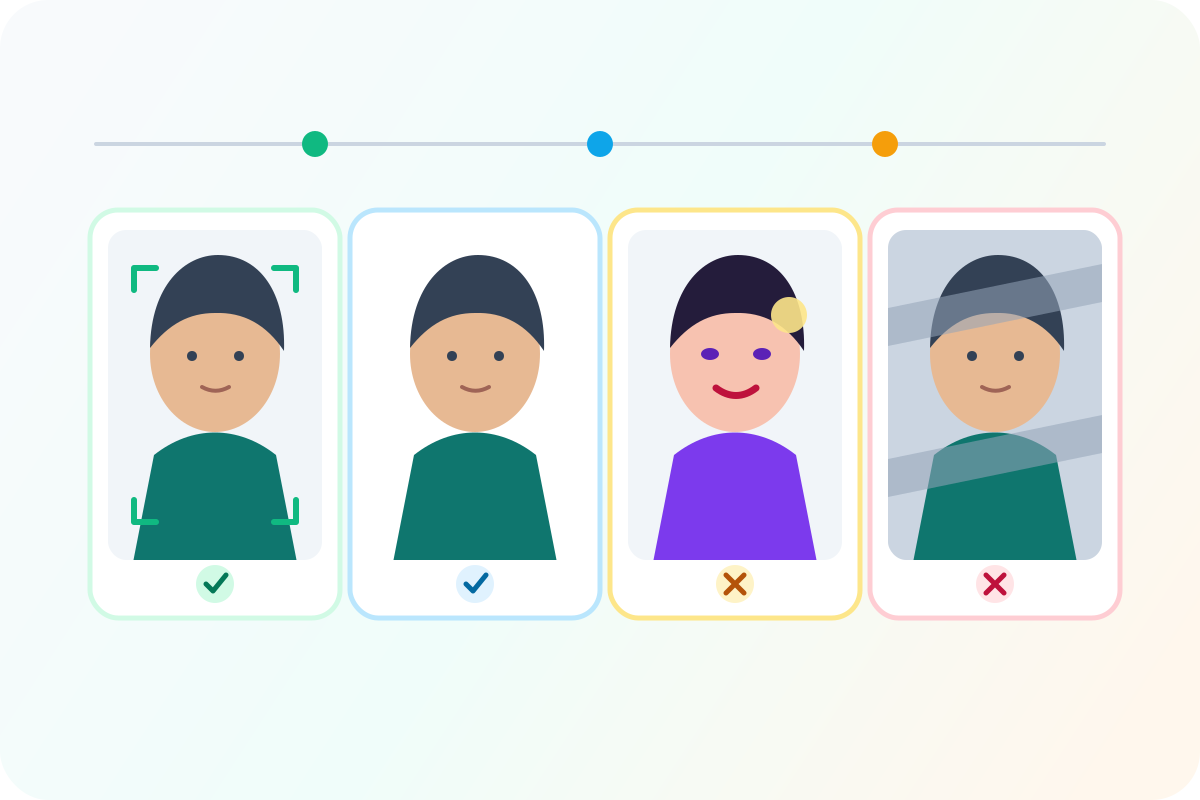 Illustrative diagram
Illustrative comparison of common preparation and alteration outcomes.
Visual examples
Do and do-not guidance
Illustrative diagramEditing-boundary visual overview.
Separate compliant adjustment from appearance alteration
Cropping, resizing, and background cleanup serve the rule. Beauty filters or face changes do not.
Fix: Never alter skin, eyes, facial shape, hairline, or expression.
PixPass action: Limits edits to crop, background, resize, and quality checks
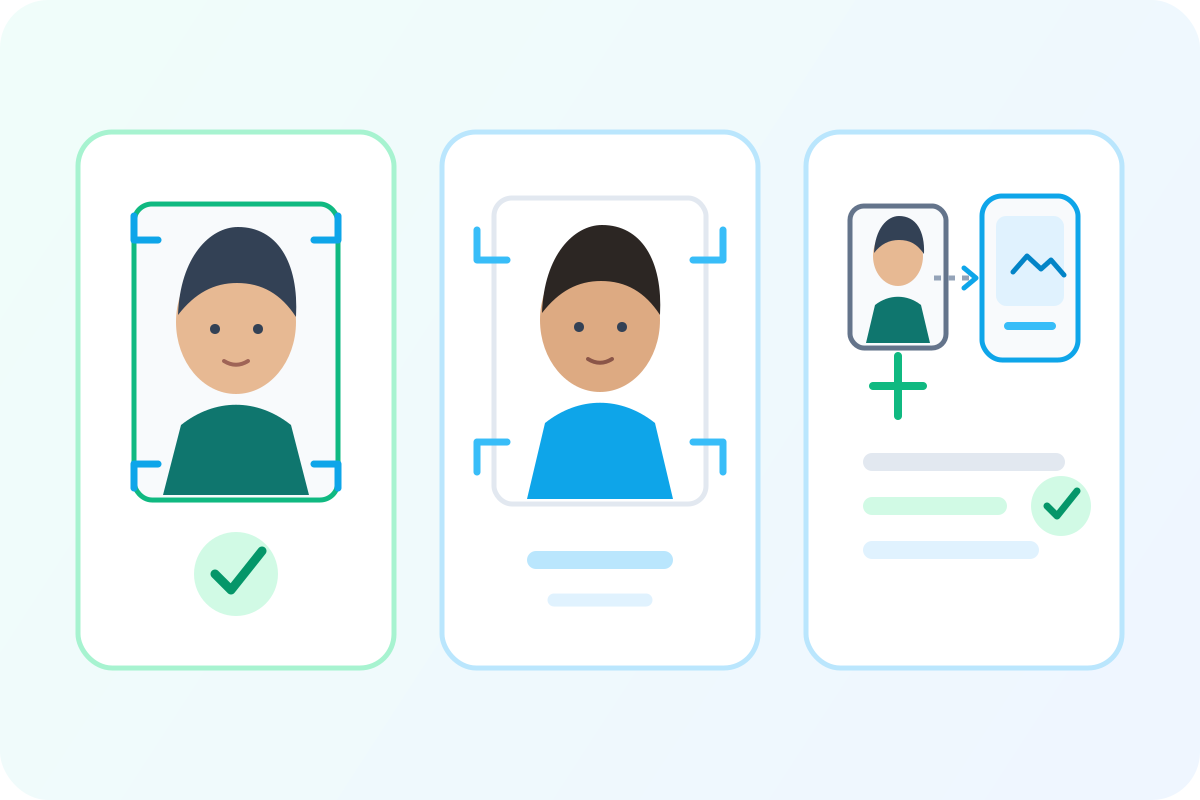 Illustrative diagram
Illustrative overview; page data supplies the exact rule values.
Use a centered 2 x 2 inch frame
The head is centered and sized inside a square passport photo frame.
Fix: Crop to a square 2 x 2 inch output and keep the face straight to camera.
PixPass action: Auto-crop and head-size measurement
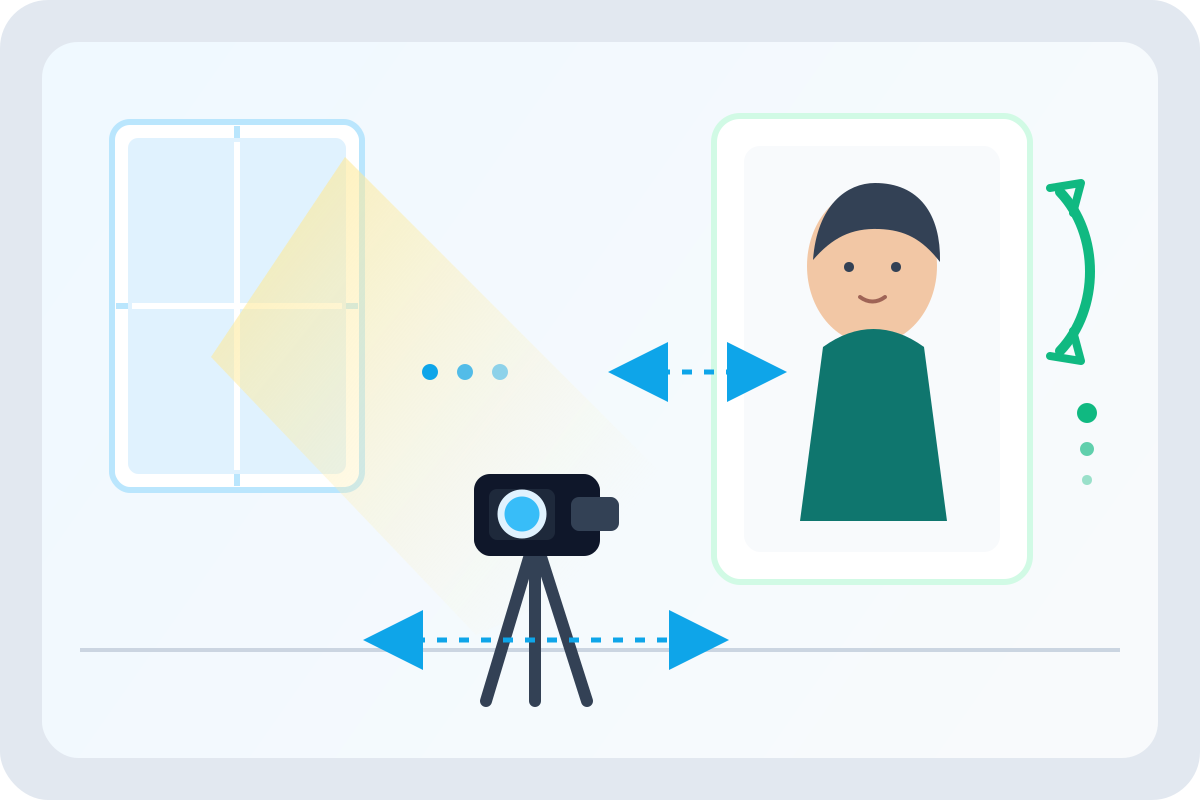 Illustrative diagram
Illustrative capture setup with lighting and spacing cues.
Keep the background plain and bright
A white or off-white background with even lighting is acceptable for U.S. passport photos.
Fix: Stand away from the wall and use even front lighting.
PixPass action: Background replacement and shadow detection
 Illustrative diagram
Illustrative digital-photo preparation and upload sequence.
Online renewal and paper photos have different checks
Paper applications care about print size and attachment. Online renewal adds file type, file size, and pixel dimensions.
Fix: Choose the application path before judging file and print requirements.
PixPass action: File-size and format validation for digital uploads
Use these examples as visual guidance. Official rule text and the selected submission path remain the source of truth for final acceptance.
Outdated advice to retire
Stale claim
Any crop, brightness adjustment, resize, or background cleanup is forbidden.
The release-safe boundary is not changing appearance; technical preparation is necessary for both print and upload.
Users may avoid legitimate file preparation and submit photos that fail size, crop, or background rules.
Allow technical preparation but never retouch identity appearance.
Hard requirements, file constraints, and no-alteration boundaries trace to travel.state.gov and related official references.
Sources
Official guidance checked 2026-04-15.
- U.S. Department of State — Passport Photos
Primary official source for US passport photo requirements
Last checked 2026-04-15
official
Federal Register — Passport Photo Rule Changes
Contains the 2016 glasses ban regulation
Last checked 2026-03-01
official
- U.S. Customs and Border Protection
Last checked 2026-04-01
semi_official