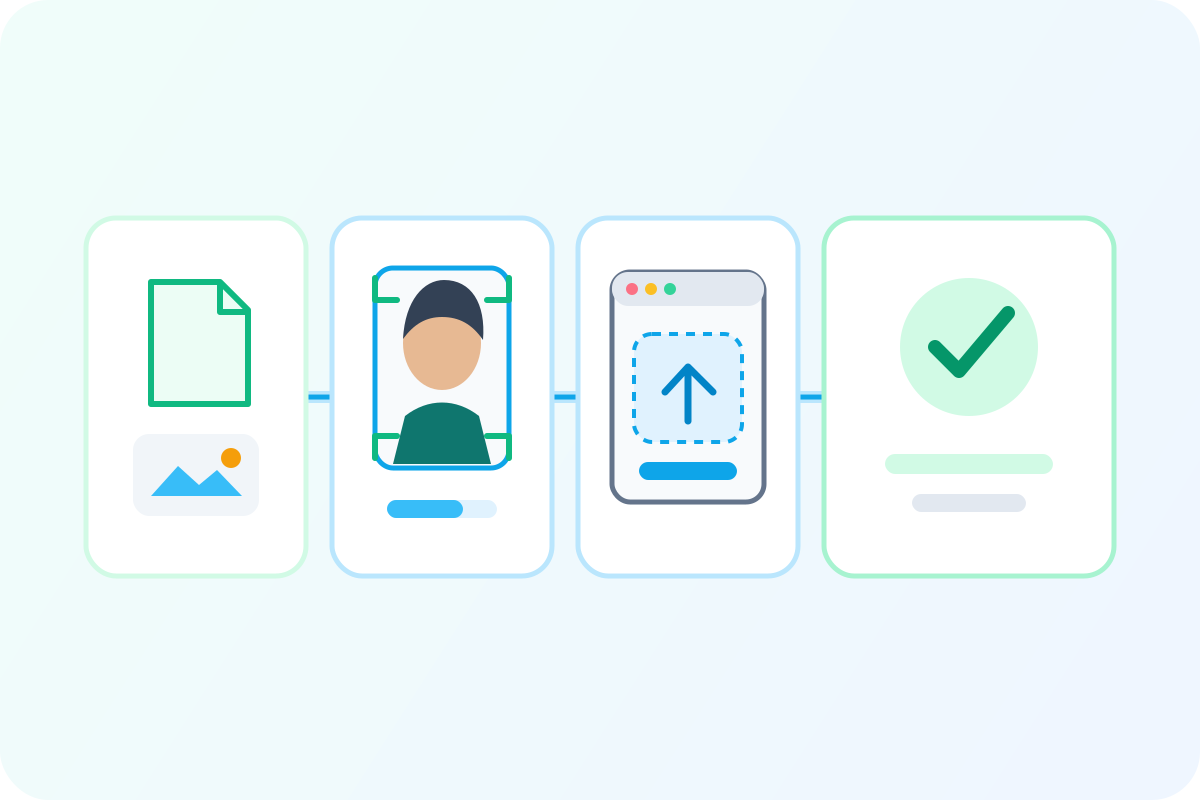
 Illustrative diagram
Illustrative sequence from image preparation through upload result.
online upload path
US Passport Online Renewal Photo Upload Rules
Start with the online-renewal file constraints, then separate PixPass file/photo preparation from the official State Department upload system.
Key takeaway
Prepare the digital photo before opening the upload flow
Treat image preparation, file readiness, and the official upload system as a visible sequence rather than one opaque step.
- Start with a clean source image and the selected rule set.
- Review the page data for the exact digital-file constraints.
- Keep the external upload result separate from PixPass preparation.
Channel differences before you submit
Use the rule path for the submission channel, then handle provider or staff advice as secondary context.
Online renewal upload
Digital photo uploaded through the State Department online renewal flow.
Accepted input
- JPG, PNG, HEIC, or HEIF
- 600x600 to 1200x1200 pixels
- 54 KB to 10 MB
- sRGB 24-bit color
Common failure
- browser or session problem
- file export outside size range
- metadata or color profile issue
- photo actually fails visual rules
Retry with a clean, compliant export before assuming the photo must be retaken.
Paper or mail-in application
Printed 2x2 inch photo attached to DS-11, DS-82, or equivalent paper workflow.
Accepted input
- one printed 2x2 inch photo
- photo-quality paper
- plain white or off-white background
Common failure
- poor print paper
- incorrect crop
- local staff interpretation
Prepare the image to official dimensions, then print on photo-quality paper without relying on a digital-file rule as the final check.
Acceptance facility or post office
In-person application handoff where local staff may screen the printed photo.
Accepted input
- printed passport photo
- application form
- supporting documents
Common failure
- staff asks for stricter hair/ear posture
- provider or clerk applies outdated guidance
Meet official rules and reduce avoidable local friction by keeping hair clear of facial edges.
Passport agency appointment
Urgent travel or special appointment path; photo rules remain official passport photo rules.
Accepted input
- printed compliant photo unless the agency provides a confirmed photo option
Common failure
- assuming the appointment fixes photo defects
- arriving without a compliant backup photo
Bring a compliant printed backup and do not rely on agency services being available.
When sources or channels conflict
The rule for the channel the user will actually submit through.
The same photo identity rules apply, but the delivery constraints differ between upload and printed submission.
Safe action: Choose online or paper first, then prepare the file or print to that channel instead of mixing requirements.
Current official rule and the actual submission channel.
Provider processes vary by location and equipment; their output still has to satisfy the Department of State rule set.
Safe action: Verify the final image against official-size, background, head-size, and file requirements before submitting.
Official full-face visibility rule, with a practical buffer for local acceptance friction.
The release-safe answer should distinguish official requirement from local execution habits.
Safe action: Show full facial edges clearly; tucking hair behind ears can reduce in-person friction but should not be framed as an official rule.
Prepare an online-renewal photo file
Upload a photo to check crop, background, visible risks, pixel range, and export size for the online-renewal path. PixPass prepares the file; the official State Department system still performs its own upload and review.
Prepare an online-renewal photo file
Online renewal upload
Digital photo uploaded through the State Department online renewal flow.
Illustrative diagramIllustrative workflow; the page data supplies exact file and channel requirements.
Online upload constraint
Online renewal starts with a digital file, not only a printed 2x2 photo.
Prepare the file for accepted format, pixel range, file size, color, and passport-photo visual rules before using the official upload system.
- JPG, PNG, HEIC, or HEIF
- 600x600 to 1200x1200 pixels
- 54 KB to 10 MB
- sRGB 24-bit color
Prepare the file
Use the selected rule set for pixel dimensions, file size, color, and crop.
Upload to the official system
PixPass can prepare a compliant-looking file, but the government upload flow is separate.
Handle automated feedback
An automated rejection can be file, browser, session, or photo related. Diagnose before retaking.
Keep final review separate
Passing an automated check is useful evidence, not a final government approval promise.
Accepted inputs
- JPG, PNG, HEIC, or HEIF
- 600x600 to 1200x1200 pixels
- 54 KB to 10 MB
- sRGB 24-bit color
Fix the file and upload environment first, then retake only if the image still fails visual or official-rule checks.
Outdated advice to retire
Stale claim
US passport photos must show both ears.
Current State Department public guidance focuses on full face visibility, not an ear-visibility rule.
Treating ears as a hard rule creates unnecessary retakes and anxiety, while still missing the real issue: facial features must not be obscured.
Keep facial edges visible; do not present visible ears as an official must-pass requirement.
Stale claim
Photos from USPS, CVS, or Walgreens are always compliant.
Official acceptance depends on the image meeting current requirements and the submission channel constraints.
A user can pay a provider and still fail online upload because the final file or crop is wrong.
Verify the final image rather than relying on the brand or receipt.
Stale claim
Any crop, brightness adjustment, resize, or background cleanup is forbidden.
The release-safe boundary is not changing appearance; technical preparation is necessary for both print and upload.
Users may avoid legitimate file preparation and submit photos that fail size, crop, or background rules.
Allow technical preparation but never retouch identity appearance.
Hard requirements, file constraints, and no-alteration boundaries trace to travel.state.gov and related official references.
Sources
Official guidance checked 2026-04-15.
- U.S. Department of State — Passport Photos
Primary official source for US passport photo requirements
Last checked 2026-04-15
official
Federal Register — Passport Photo Rule Changes
Contains the 2016 glasses ban regulation
Last checked 2026-03-01
official
- U.S. Customs and Border Protection
Last checked 2026-04-01
semi_official