Verified requirements
US Passport Photo Requirements 2026: Size, Background, Head Size, and Photo Check
The core rule is a 2 x 2 inch photo with a plain white or off-white background, correct head size, current appearance, and no glasses except documented medical cases. PixPass can check and prepare supported image properties with this rule set attached, while final acceptance remains with the reviewing authority.
Key requirements
Photo Size
2 × 2 inches (51 × 51 mm)
travel.state.gov
Background Color
Plain white or off-white background without shadows, texture, or lines
travel.state.gov
Photo Recency
Taken within the last 6 months to reflect your current appearance
travel.state.gov
Glasses
Glasses are NOT allowed unless you have a signed medical statement that you cannot remove them
travel.state.gov
Facial Expression
Neutral expression or natural smile with both eyes open, mouth closed or natural
travel.state.gov
Head Size
Head between 1 inch and 1⅜ inches (25–35 mm) from bottom of chin to top of head
travel.state.gov
Source posture
Checked 2026-04-15 2 official sources
- U.S. Department of State — Passport PhotosOfficial
- Federal Register — Passport Photo Rule ChangesOfficial
- U.S. Customs and Border ProtectionSemi-official
Submission path differences
- Online renewals accept JPG, PNG, HEIC, and HEIF files (54 KB–10 MB). Paper applications require a printed 2×2 inch photo.
- Online renewals allow a "natural smile." Paper applications traditionally require a neutral expression, though the State Department now accepts a natural smile for both.
- Paper applications: staple or glue one printed photo. Online renewals: upload digital file through the State Department portal.
Choose your application path
Online Application
Submit a digital photo through the State Department website.
- File Format: JPG, PNG, HEIC, or HEIF
- Resolution: 600×600 to 1200×1200 pixels
- File Size: 54 KB to 10 MB
Paper Application (DS-11/DS-82)
Submit a printed photo with your mail-in or in-person application.
- Print Size: 2 × 2 inches on photo-quality paper
- Paper Finish: Matte or glossy finish accepted
- Quantity: One (1) photo required
Passport Agency (Expedited)
In-person at a regional passport agency for urgent travel.
- Photo Requirements: Same as paper application
- On-site Photo: Some agencies offer on-site photo services ($15) Not all agencies offer this — confirm availability when scheduling
Choose the path that matches the actual submission channel before checking or exporting a photo. PixPass keeps the selected path attached to the checker, but it cannot replace official review.
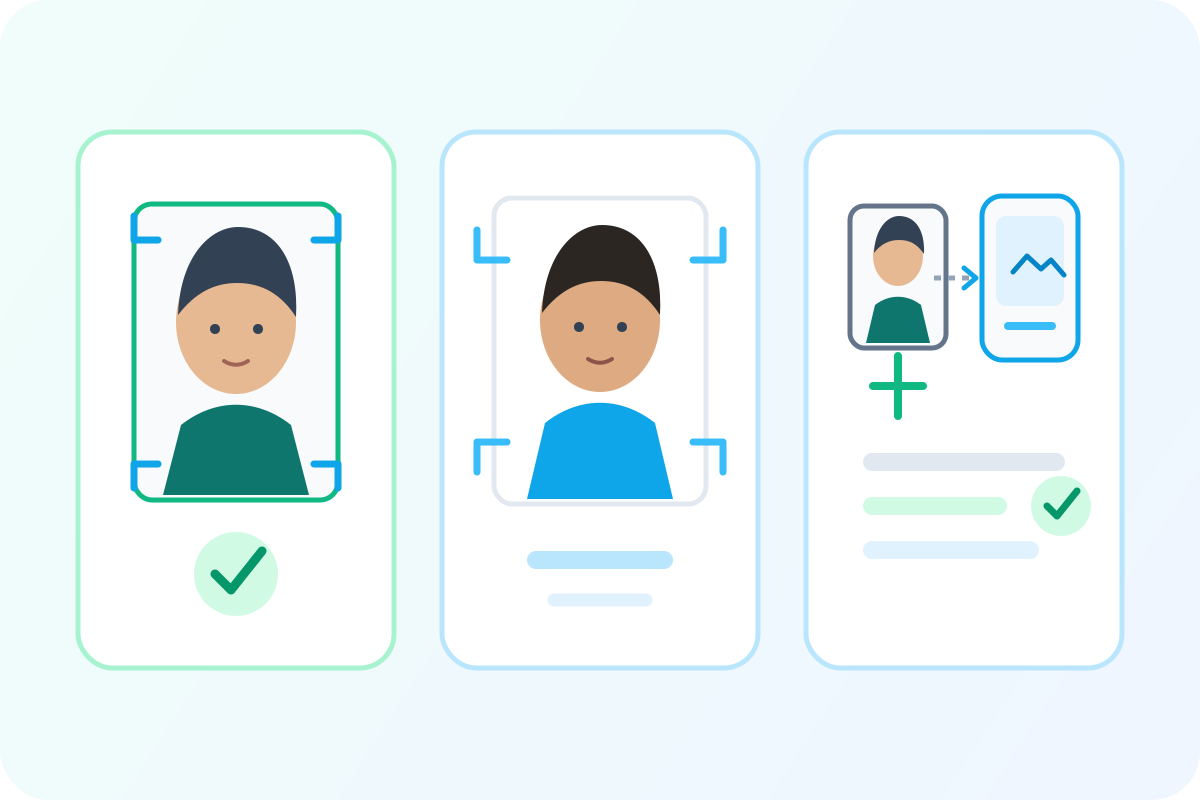 Illustrative diagram
Illustrative framing, background, and submission-path overview.
Requirement details
- Photo Size
- 2 × 2 inches (51 × 51 mm)travel.state.gov
- Background Color
- Plain white or off-white background without shadows, texture, or linestravel.state.gov
- Photo Recency
- Taken within the last 6 months to reflect your current appearancetravel.state.gov
- Glasses
- Glasses are NOT allowed unless you have a signed medical statement that you cannot remove themtravel.state.gov
- Facial Expression
- Neutral expression or natural smile with both eyes open, mouth closed or naturaltravel.state.gov
- Head Size
- Head between 1 inch and 1⅜ inches (25–35 mm) from bottom of chin to top of headtravel.state.gov
- Head Coverings
- Not allowed unless worn daily for religious purposes — requires signed statementReligious headwear is permitted with a signed statement affirming it is part of recognized, traditional religious attire worn continuously in public.
- Digital Photo File
- JPG, PNG, HEIC, or HEIF format. 600×600 to 1200×1200 pixels. 54 KB to 10 MB.travel.state.gov
- Digital Alteration
- Photos must not be digitally altered to change your appearance in any waytravel.state.gov
- Full Face Visible
- Photo must show full face from hairline to chin, both edges of face clearly visibletravel.state.gov
Visual examples
Do and do-not guidance
Illustrative diagramIllustrative overview; page data supplies the exact rule values.
Use a centered 2 x 2 inch frame
The head is centered and sized inside a square passport photo frame.
Fix: Crop to a square 2 x 2 inch output and keep the face straight to camera.
PixPass action: Auto-crop and head-size measurement
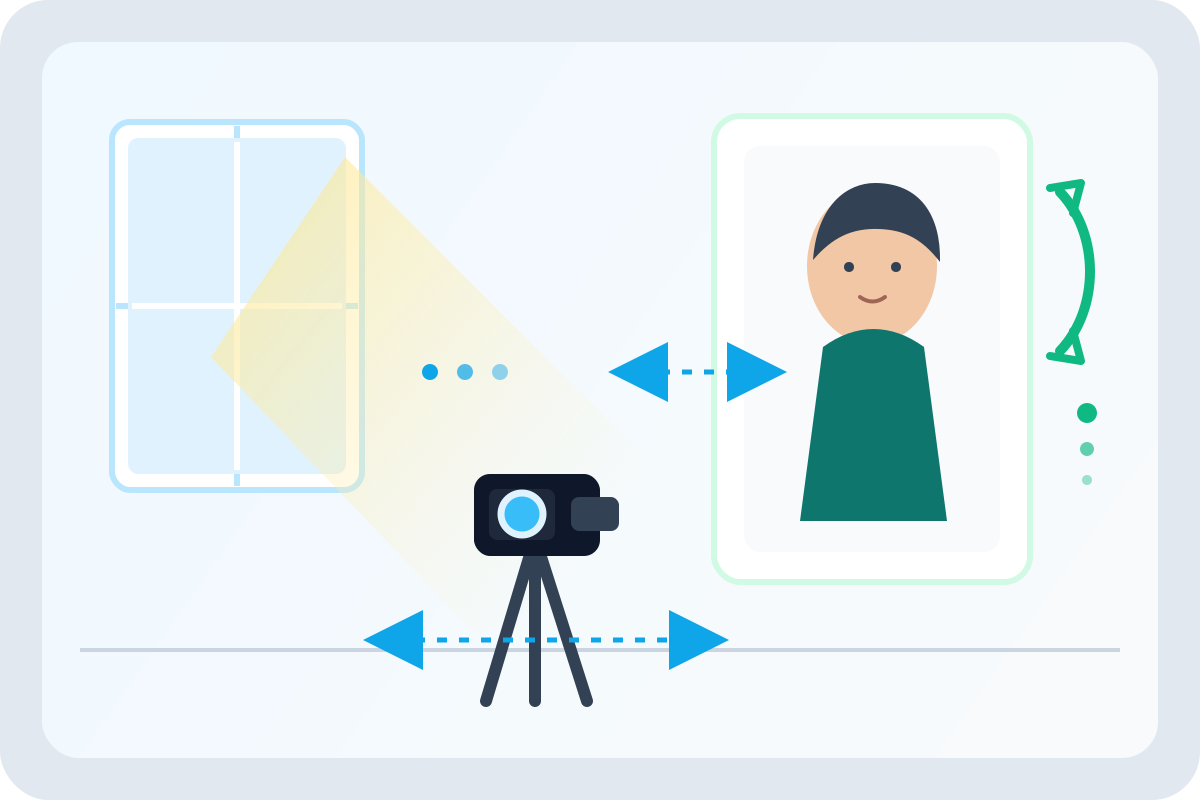 Illustrative diagram
Illustrative capture setup with lighting and spacing cues.
Keep the background plain and bright
A white or off-white background with even lighting is acceptable for U.S. passport photos.
Fix: Stand away from the wall and use even front lighting.
PixPass action: Background replacement and shadow detection
 Illustrative diagram
Illustrative digital-photo preparation and upload sequence.
Online renewal and paper photos have different checks
Paper applications care about print size and attachment. Online renewal adds file type, file size, and pixel dimensions.
Fix: Choose the application path before judging file and print requirements.
PixPass action: File-size and format validation for digital uploads
Use these examples as visual guidance. Official rule text and the selected submission path remain the source of truth for final acceptance.
What is still unclear
Some details depend on your submission route or the latest official guidance. Confirm the current instructions before you submit.
Photo border/margin
The State Department does not specify required margins or borders around the photo. Most accepted photos have minimal white border, but no official rule exists.
Exact background shade
"White or off-white" is specified but no hex value, RGB range, or acceptable deviation is published. Some automated checkers reject slightly gray backgrounds that would pass human review.
Hair covering ears/forehead
No explicit rule about ears being visible. Post office staff sometimes require ears showing, but the published requirement only says "full face visible." This causes confusion and inconsistent guidance.
Acceptable photo editing
"No digital alteration" is the rule, but the boundary between "adjustment" (brightness, crop) and "alteration" (filter, retouch) is not officially defined. Background replacement for white compliance is a gray area.
Why we believe this
The U.S. Department of State banned glasses in passport photos effective November 1, 2016. This applies to all types of glasses including prescription glasses, sunglasses, and tinted lenses. The only exception is for applicants who cannot remove glasses for medical reasons, which requires a signed medical statement.
Evidence sources
- travel.state.gov/content/travel/en/passports/how-apply/photos.html
- Federal Register Vol. 81, No. 169
The 2×2 inch requirement has been consistent in US passport photo regulations for over two decades. Both printed and digital submissions must conform to this dimension.
Evidence sources
- travel.state.gov/content/travel/en/passports/how-apply/photos.html
The head (measured from chin bottom to crown top) must measure between 1 inch and 1⅜ inches. This is a measurable requirement that PixPass can help check and crop for, but final acceptance remains with the reviewing authority.
Evidence sources
- travel.state.gov/content/travel/en/passports/how-apply/photos.html
Sources
Official guidance checked 2026-04-15.
- U.S. Department of State — Passport Photos
Primary official source for US passport photo requirements
Last checked 2026-04-15
official
Federal Register — Passport Photo Rule Changes
Contains the 2016 glasses ban regulation
Last checked 2026-03-01
official
- U.S. Customs and Border Protection
Last checked 2026-04-01
semi_official